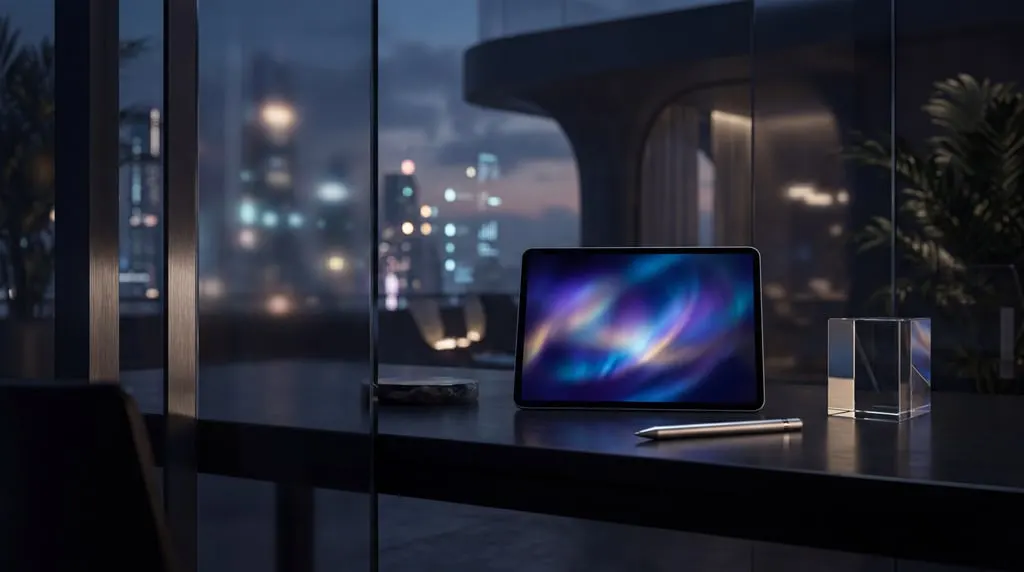
Step 101
Start With A Brief
Write the visual direction in plain language or begin with a source image when you need more control over composition and subject identity.

See how a rough prompt or reference turns into visuals that a team can review, refine, and ship.
Write the visual direction in plain language or begin with a source image when you need more control over composition and subject identity.
Pikvee turns the brief into usable drafts quickly, so teams can react to real options instead of abstract descriptions.
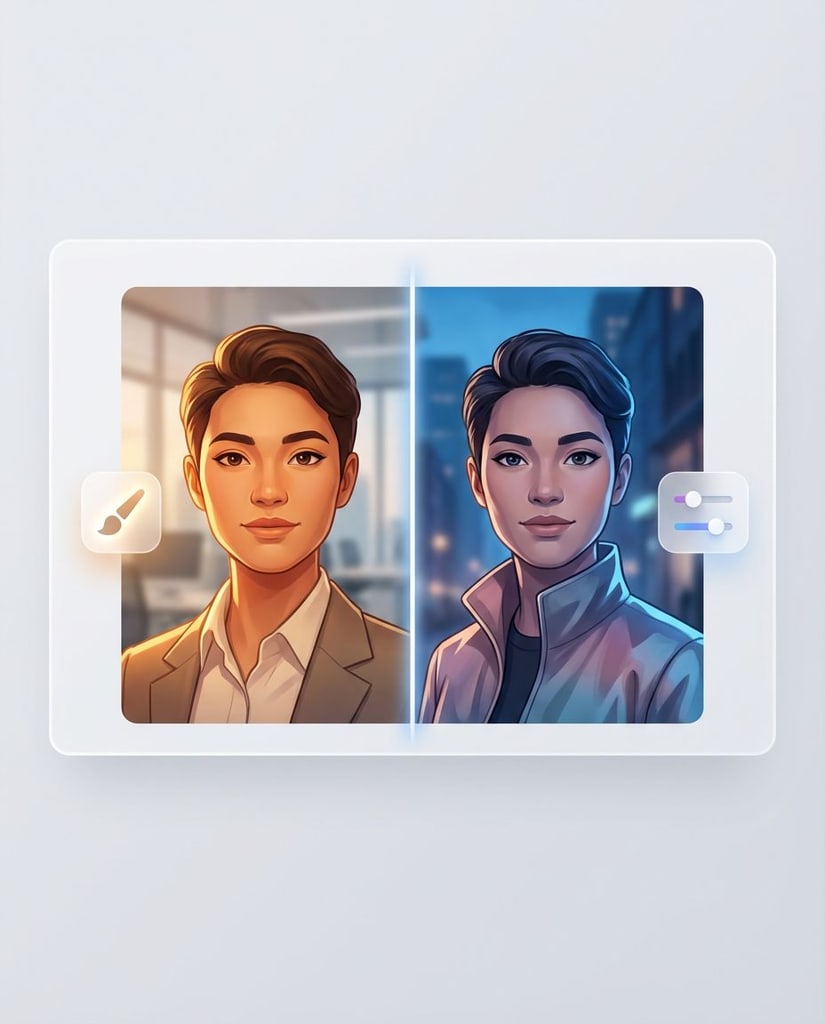
Adjust tone, styling, and output direction without rebuilding the job from zero each time.
Move approved images into campaign work, internal decks, ecommerce creative, or client delivery with less production friction.
This section shows how Pikvee helps produce presentation-ready output with advanced models, including Nano Banana Pro, not throwaway prompt experiments.
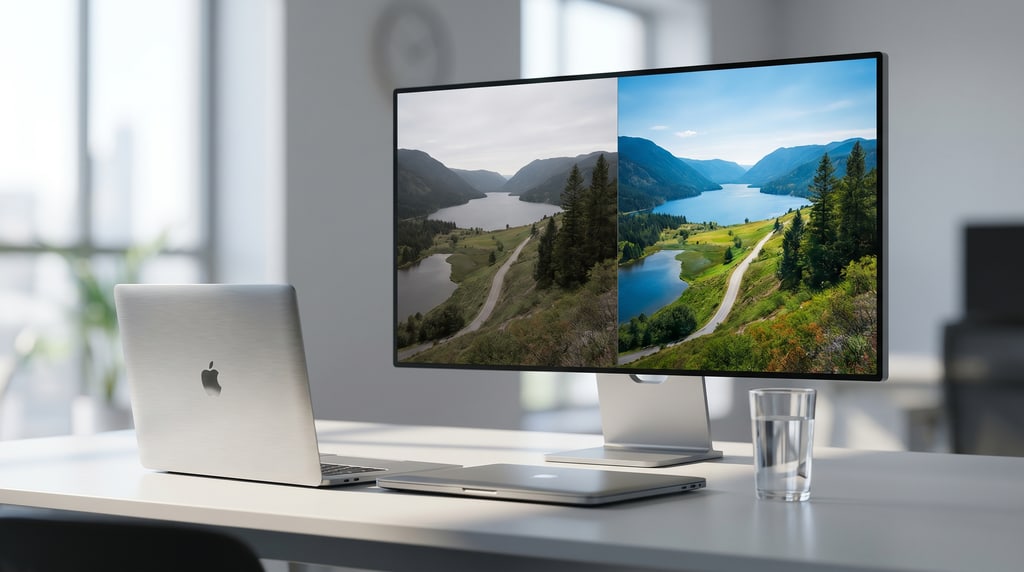
Image output
Use Pikvee with advanced models, including Nano Banana Pro, for sharper scenes, richer lighting response, and visuals that can stand in front of clients or stakeholders.
Frame the product around practical image generation and refinement instead of a single one-shot prompt box.

Image generation
Generate visual directions from text and move quickly through multiple drafts when you need options fast.
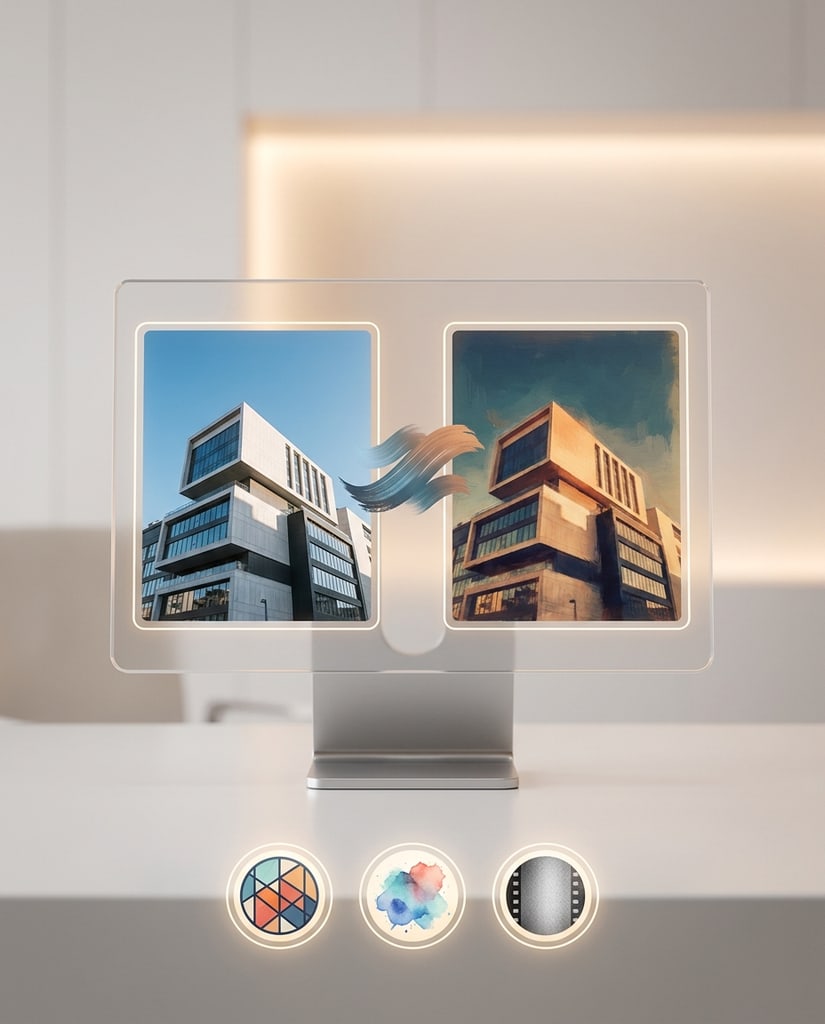
Carry aesthetic cues, lighting intent, and visual tone across new ideas without re-explaining every choice from scratch.
Pikvee supports practical advantages through advanced image models, including Nano Banana Pro: less delay, more control, and output built for real marketing and review cycles.
01
Position the tool around images that can support landing pages, ads, product storytelling, decks, and campaign concepts.
02
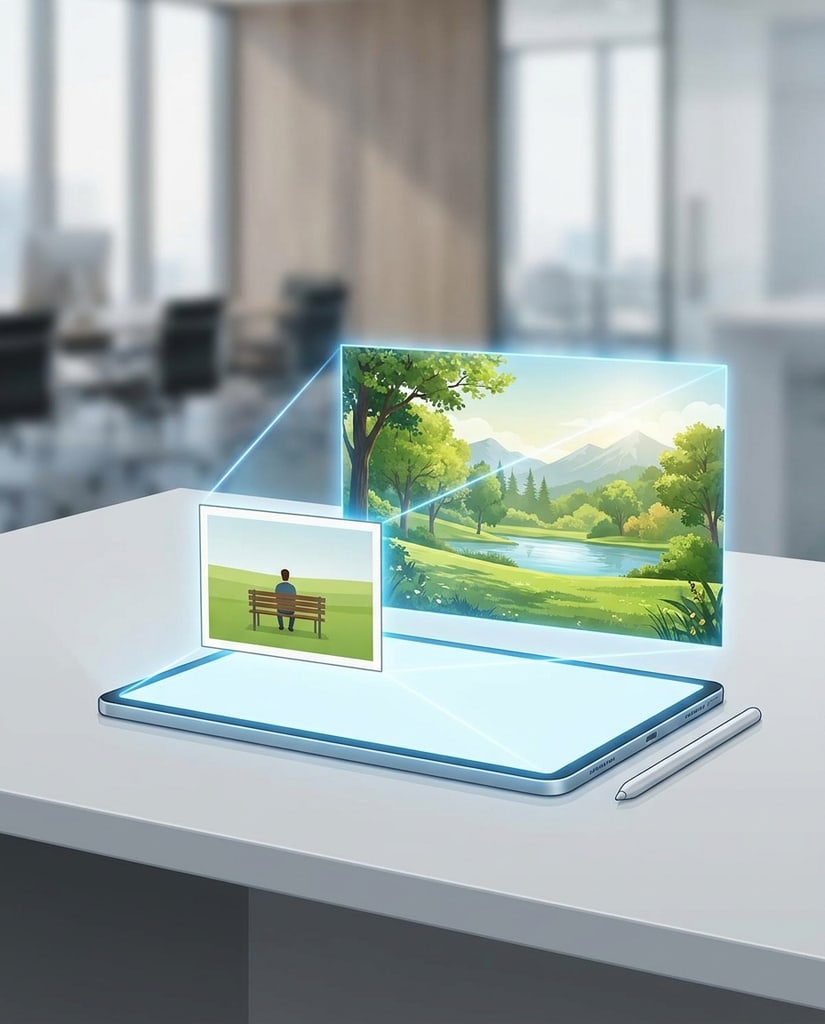
Fast generation matters because it shortens the path from feedback to the next visual option.
03
The page should emphasize usefulness for marketers, operators, and creative teams who need to compare and approve work quickly.
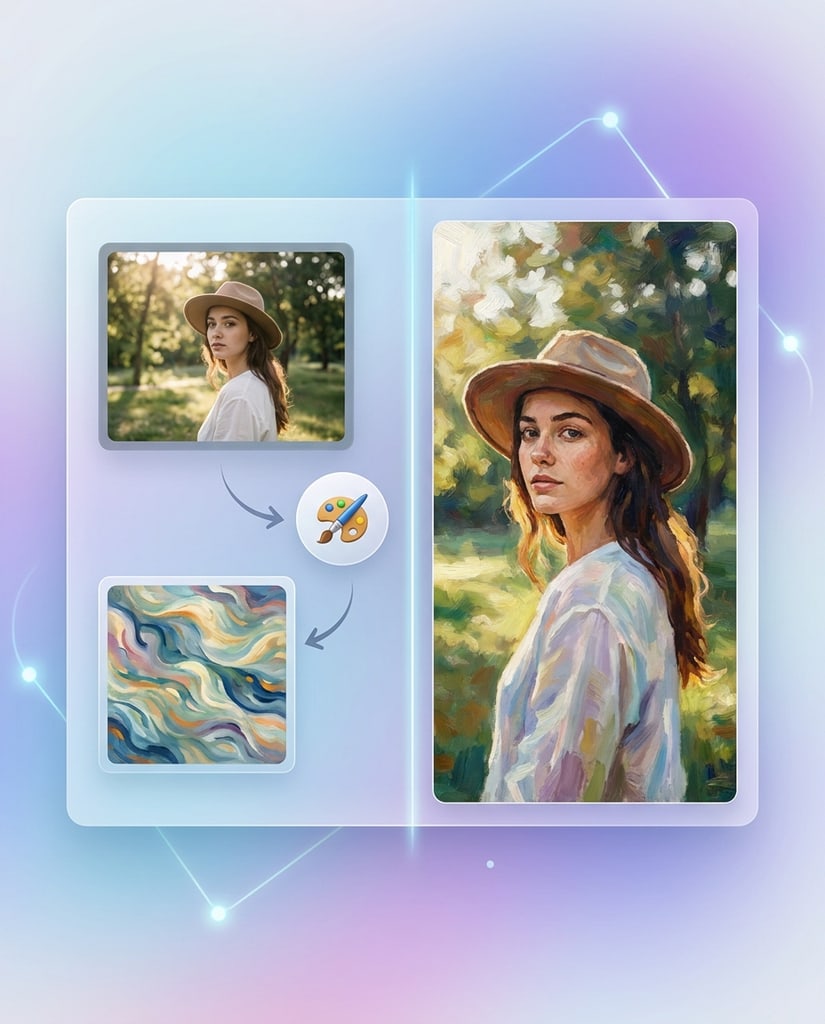
The product story should connect clearly to teams that need polished visuals without waiting on traditional production cycles.
Create launch concepts, paid social visuals, and landing-page assets quickly enough to support fast test cycles.
Build varied image sets for publishing calendars without relying on the same repeated visual treatment every time.
Produce cleaner illustrations and explanatory imagery for lessons, demos, and digital course materials.
Upgrade product presentation and merchandising imagery without needing a full reshoot for every campaign change.
Use the platform for concept exploration, early art direction, and faster client-facing visual proposals.
Create brand-ready visuals without building a large internal creative pipeline on day one.
Social proof here should reinforce practical outcomes such as iteration speed, steadier quality, and a smoother path from rough idea to approved visual.
“
Users value how quickly they can move from an initial request into options that are ready for review.
%22%2F%3E%3Ctext%20x%3D%2250%25%22%20y%3D%2253%25%22%20dominant-baseline%3D%22middle%22%20text-anchor%3D%22middle%22%20font-family%3D%22Arial%2C%20sans-serif%22%20font-size%3D%2232%22%20font-weight%3D%22700%22%20fill%3D%22%23171717%22%3EAC%3C%2Ftext%3E%3C%2Fsvg%3E)
Ava Chen
Creative Director
Use the FAQ to answer decision-stage concerns, not to repeat the source page’s marketing Q&A structure.
Pikvee fits teams that need polished image output for campaigns, product storytelling, editorial concepts, or fast visual exploration.
Yes. The experience is positioned around both prompt-led generation and image-led refinement, which makes it useful for ideation and controlled updates.
Different briefs call for different strengths. A multi-model setup gives teams more flexibility when balancing speed, realism, visual character, and editing control.
That is the goal of the page positioning. The product is described as suitable for presentations, campaign concepts, ecommerce assets, and other work that needs to look polished.
End the page with editorial-style cards that extend the product story into image generation, campaign craft, and image direction.
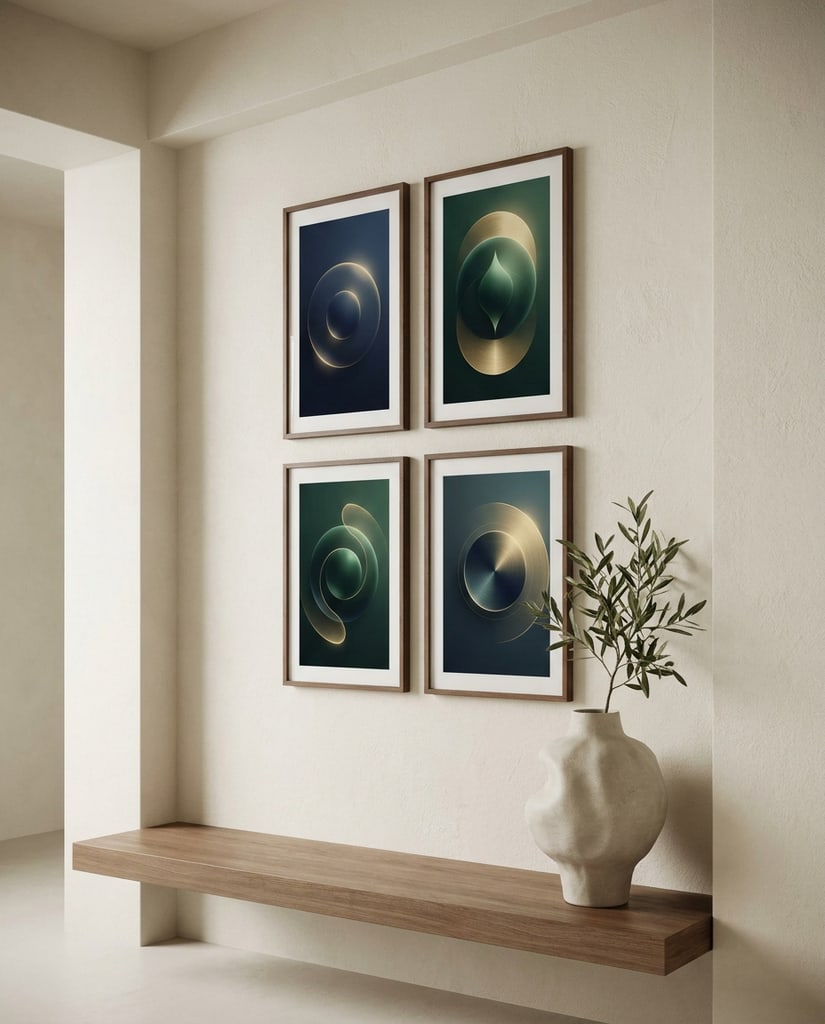
A story angle focused on reducing visual bottlenecks between concepting, review, and launch.

A practical editorial angle centered on clarity, consistency, and output that survives stakeholder review.
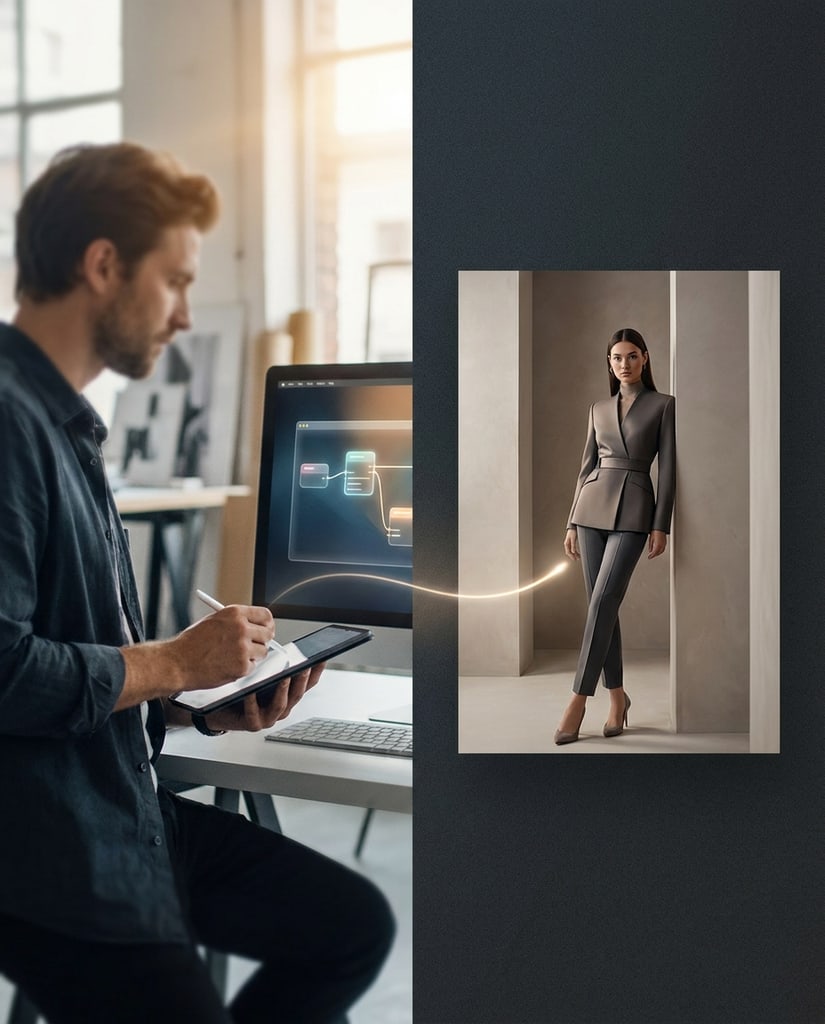
An article card about turning rough visual intent into assets with stronger polish and less wasted iteration.

Use Pikvee and advanced models, including Nano Banana Pro, to move from rough prompts and reference ideas toward cleaner, more usable visuals without dragging every task through a long production cycle.

Privacy Choices
We use cookies and similar technologies to keep Pikvee working, measure product usage, and control advertising-related preferences. Necessary cookies stay on. You can reject non-essential use or review detailed settings.
%22%2F%3E%3Ctext%20x%3D%2250%25%22%20y%3D%2253%25%22%20dominant-baseline%3D%22middle%22%20text-anchor%3D%22middle%22%20font-family%3D%22Arial%2C%20sans-serif%22%20font-size%3D%2232%22%20font-weight%3D%22700%22%20fill%3D%22%23171717%22%3ELM%3C%2Ftext%3E%3C%2Fsvg%3E)
%22%2F%3E%3Ctext%20x%3D%2250%25%22%20y%3D%2253%25%22%20dominant-baseline%3D%22middle%22%20text-anchor%3D%22middle%22%20font-family%3D%22Arial%2C%20sans-serif%22%20font-size%3D%2232%22%20font-weight%3D%22700%22%20fill%3D%22%23171717%22%3ENP%3C%2Ftext%3E%3C%2Fsvg%3E)
%22%2F%3E%3Ctext%20x%3D%2250%25%22%20y%3D%2253%25%22%20dominant-baseline%3D%22middle%22%20text-anchor%3D%22middle%22%20font-family%3D%22Arial%2C%20sans-serif%22%20font-size%3D%2232%22%20font-weight%3D%22700%22%20fill%3D%22%23171717%22%3EMB%3C%2Ftext%3E%3C%2Fsvg%3E)
%22%2F%3E%3Ctext%20x%3D%2250%25%22%20y%3D%2253%25%22%20dominant-baseline%3D%22middle%22%20text-anchor%3D%22middle%22%20font-family%3D%22Arial%2C%20sans-serif%22%20font-size%3D%2232%22%20font-weight%3D%22700%22%20fill%3D%22%23171717%22%3EEK%3C%2Ftext%3E%3C%2Fsvg%3E)
%22%2F%3E%3Ctext%20x%3D%2250%25%22%20y%3D%2253%25%22%20dominant-baseline%3D%22middle%22%20text-anchor%3D%22middle%22%20font-family%3D%22Arial%2C%20sans-serif%22%20font-size%3D%2232%22%20font-weight%3D%22700%22%20fill%3D%22%23171717%22%3ESR%3C%2Ftext%3E%3C%2Fsvg%3E)