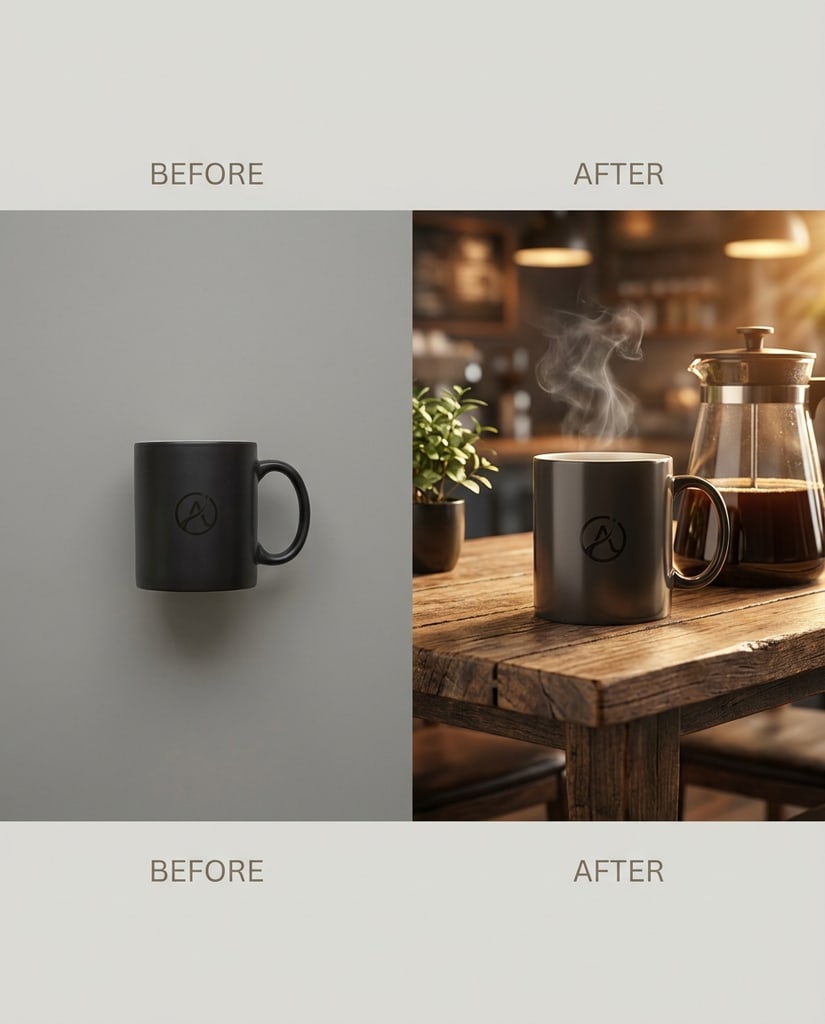
Product Visual Upgrade
Turn straightforward product photography into cleaner hero-style merchandising images.

Review before-and-after outcomes, switch models with intent, and shape image changes with faster image generation and guided edits.
Independent product. Not affiliated with Google.
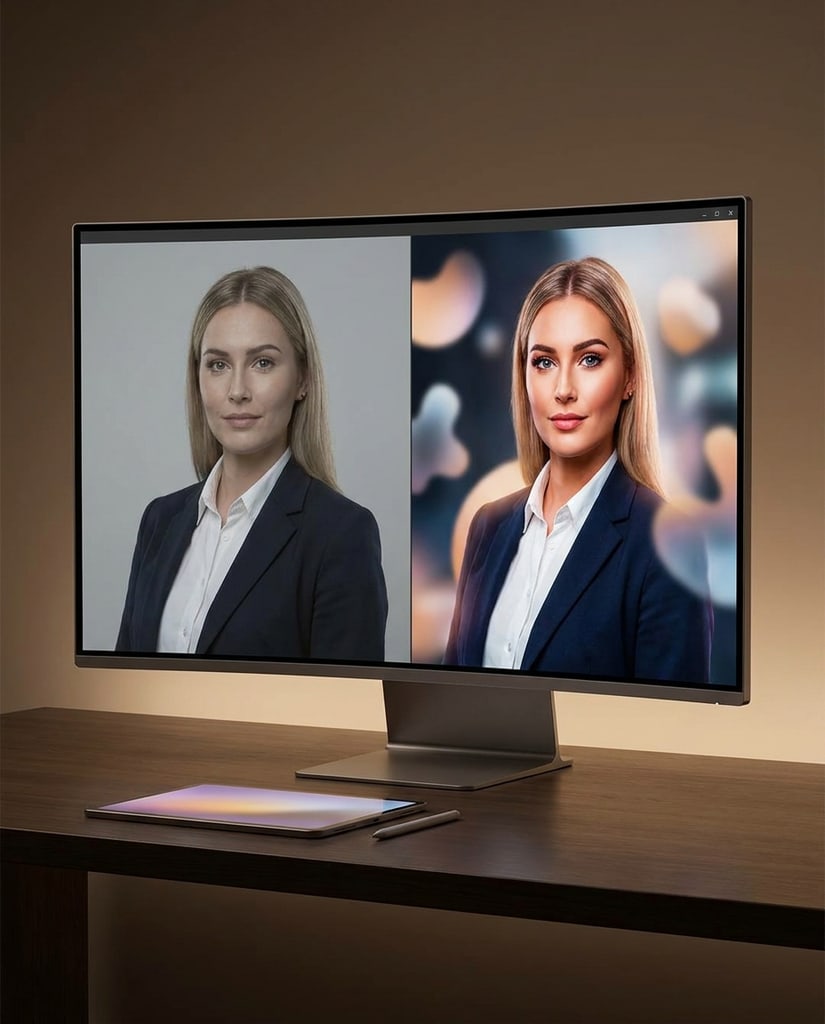
Show adjacent tasks that teams may want to solve from the same image surface, from retouching to concept layout and scene refinement.
Turn straightforward product photography into cleaner hero-style merchandising images.
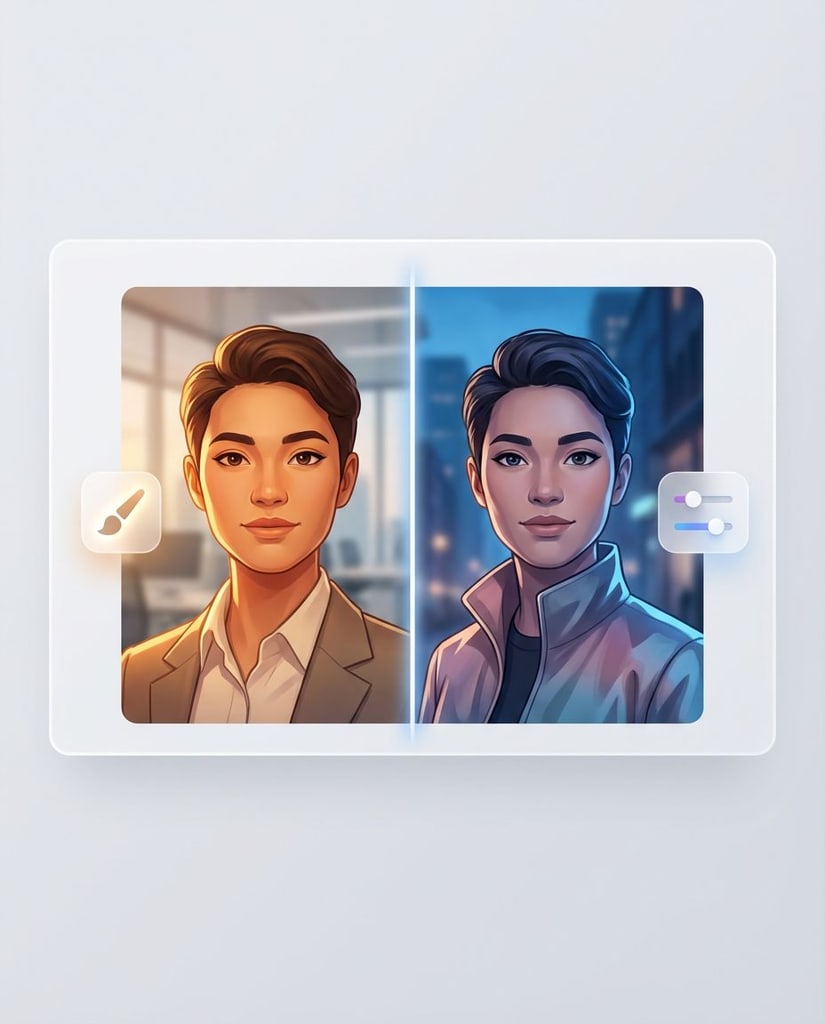
Adjust styling, light, and mood while keeping identity and composition intact.

Grow a minimal frame into a fuller environment with more context and stronger visual storytelling.
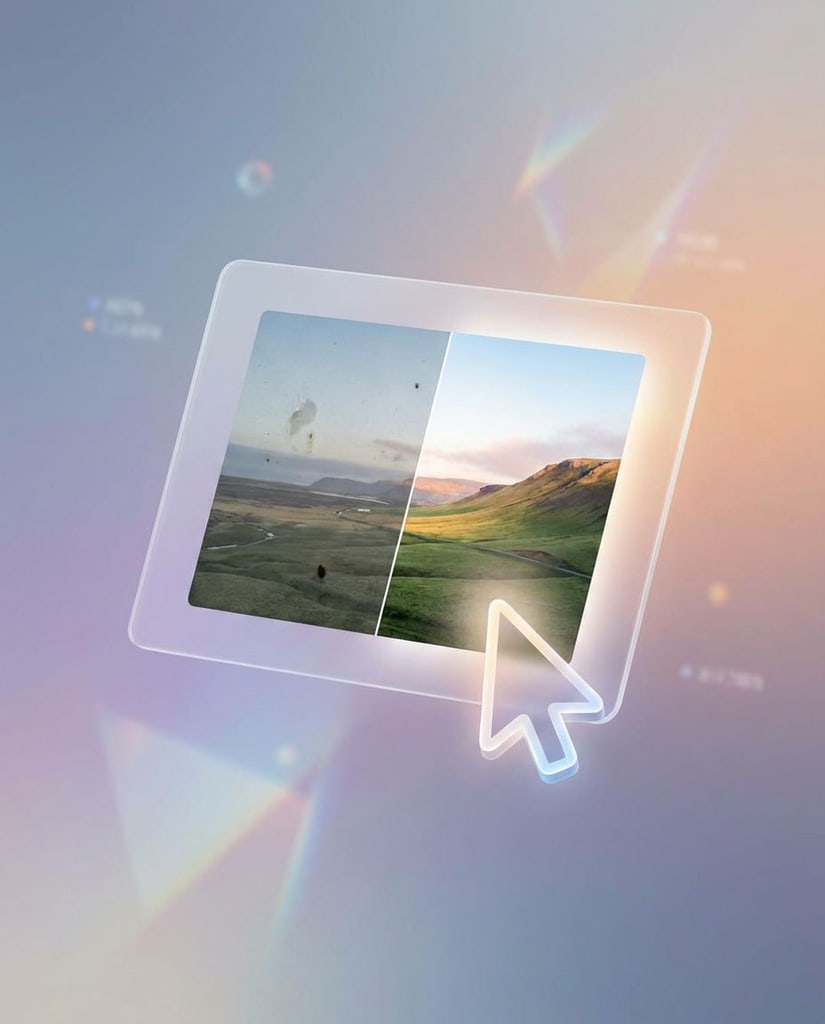
Shape rough concepts into more cohesive promotional compositions.
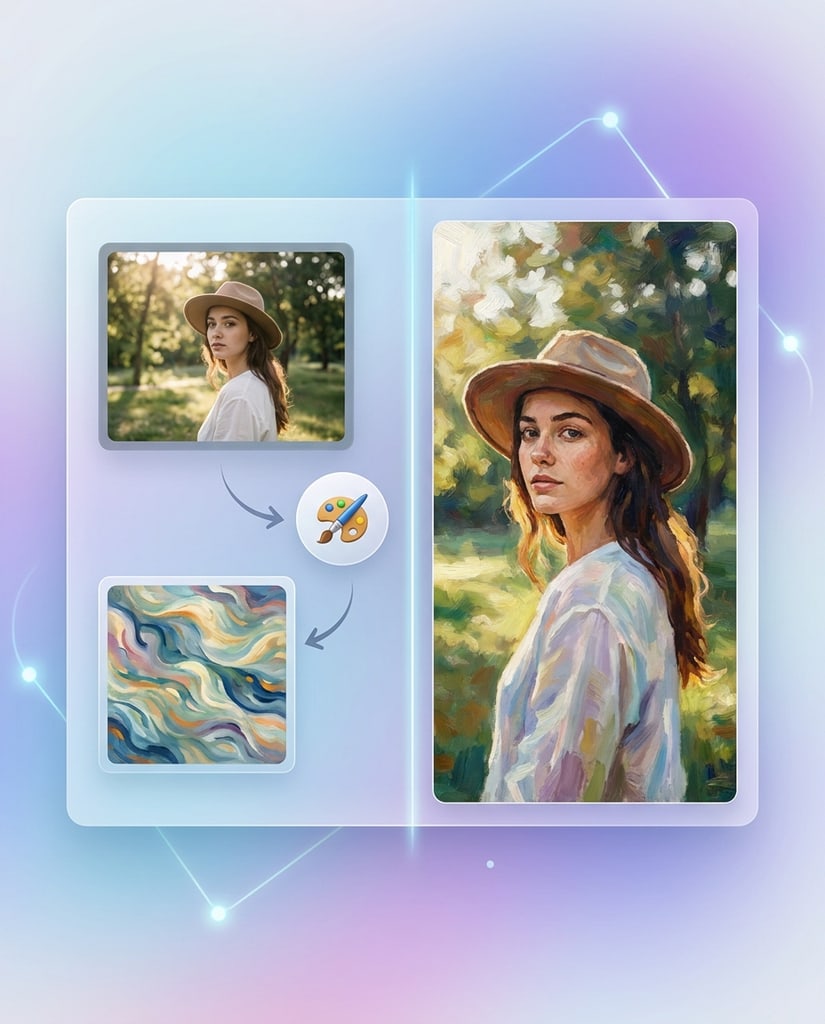
Apply stronger visual direction without losing the original subject logic.
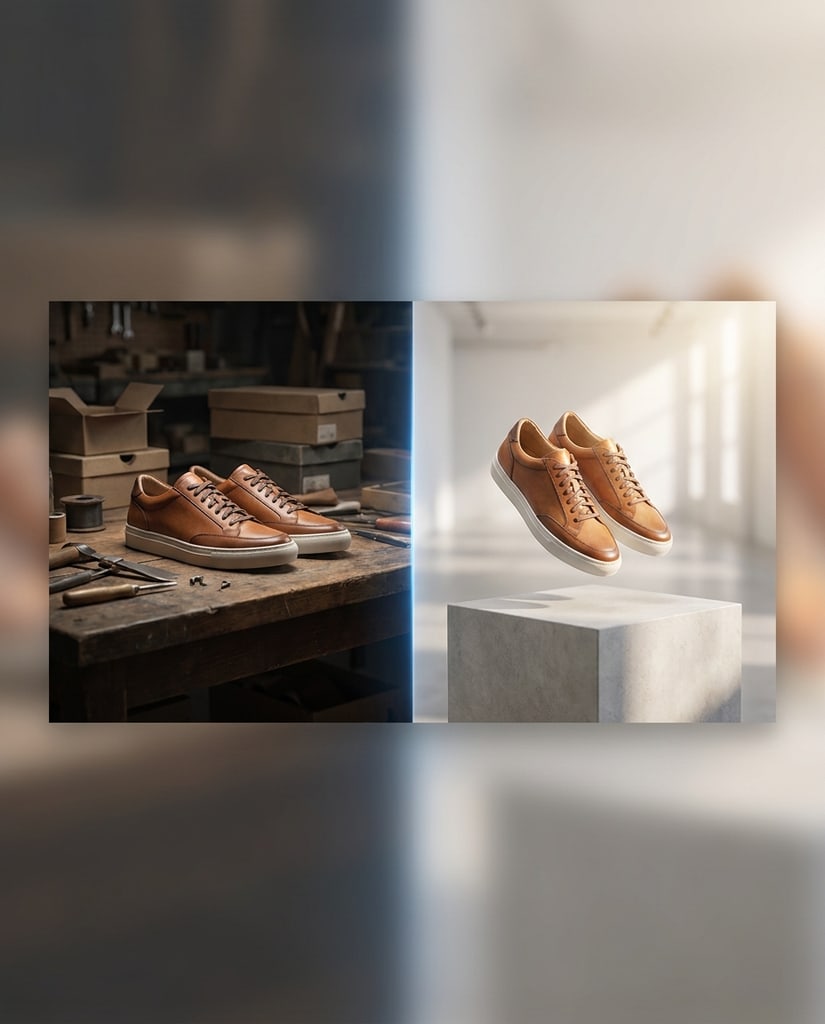
Move products into cleaner settings that better support conversion-focused merchandising.

Translate rough references into images that teams can review and build from.
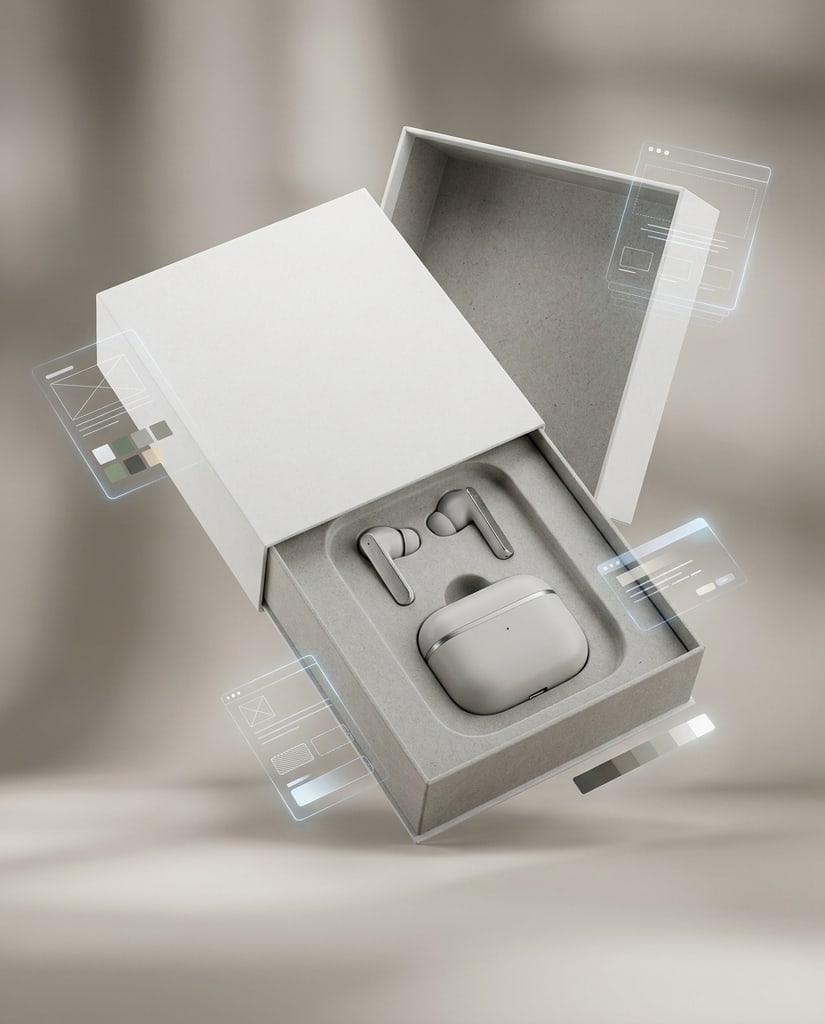
Create sharper packaging presentations without a physical studio setup.
This flow should explain how an operator gets from an idea or source image to something usable without a slow handoff-heavy process.
Begin with a prompt when you need fresh generation, or upload a source image when the job depends on preserving the existing structure.
Pick the format, resolution, image count, and model so the run matches the kind of visual work you actually need.
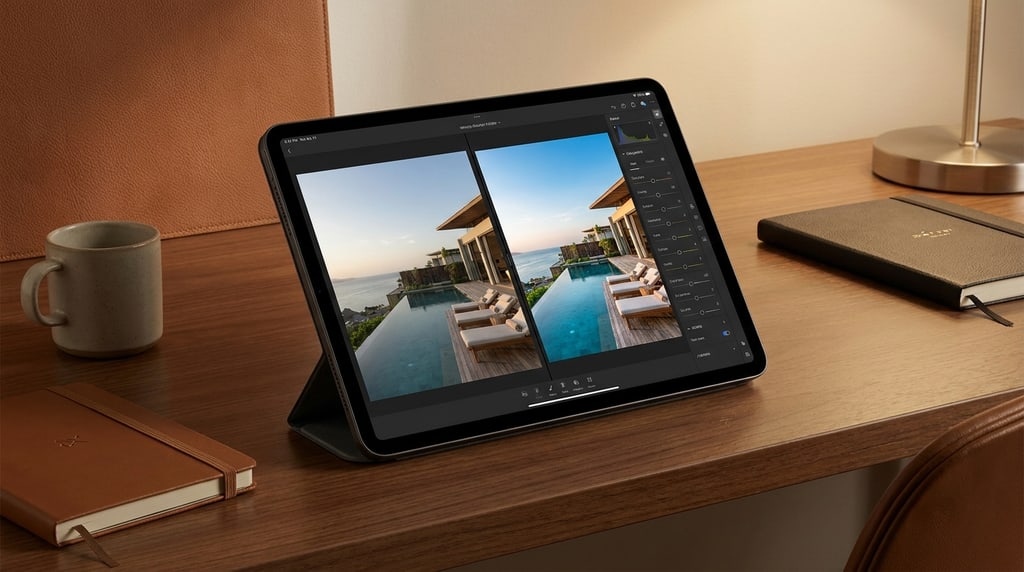
Use side-by-side examples to judge whether the result improved clarity, polish, and usefulness for the brief.
Iterate toward a version that is ready for internal review, client feedback, campaign use, or export.
The value proposition should emphasize practical image generation benefits rather than repeating generic AI marketing claims.

Shared Surface
Instead of splitting ideation and editing into separate tools, the page presents both as part of one working environment.

Review Ready
The page is positioned around images that can be shown internally, tested in campaigns, or used in brand-facing materials.

Faster Loops
Quick turnaround matters because the main bottleneck in visual work is often waiting for the next usable option.

Cleaner Exports
The emphasis here is not novelty. It is whether the image can move through review without looking unfinished or obviously temporary.
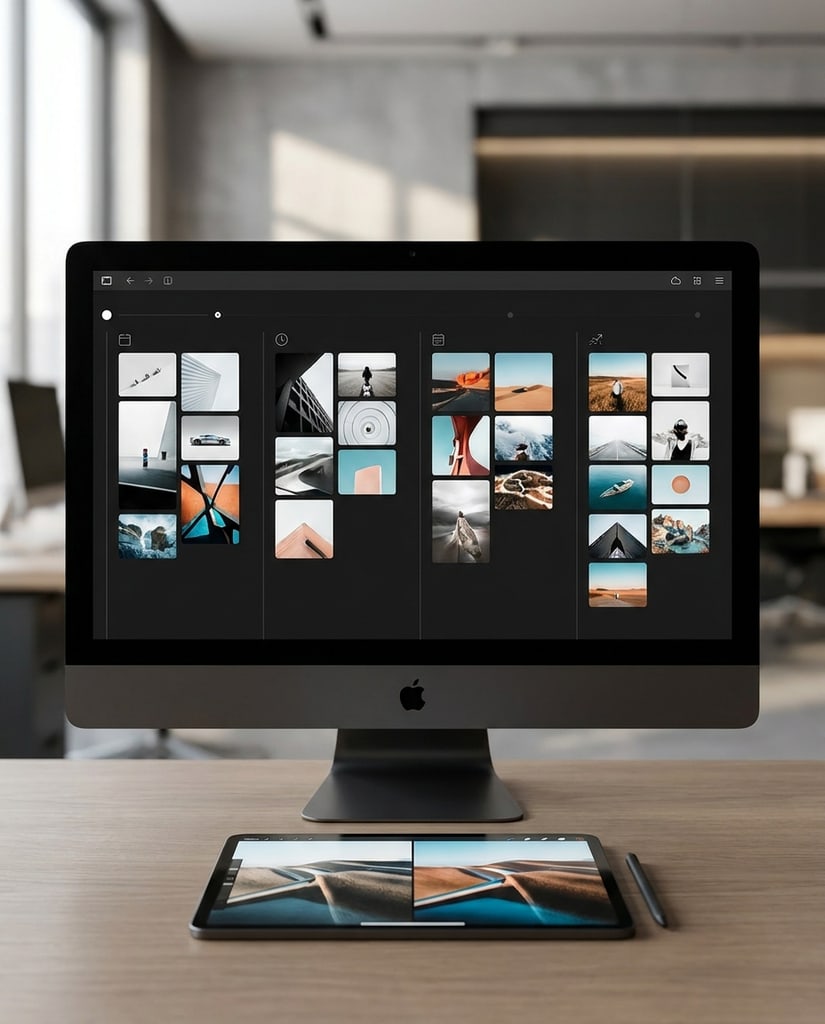
Visual History
Practical image generation needs more than speed. It also needs a clear record of what was tried and what worked.
This section should show that one editing surface can support multiple professional scenarios without sounding like a generic persona checklist.
Keep the original composition but improve lighting, tone, and finish when preparing selects for delivery or portfolio use.
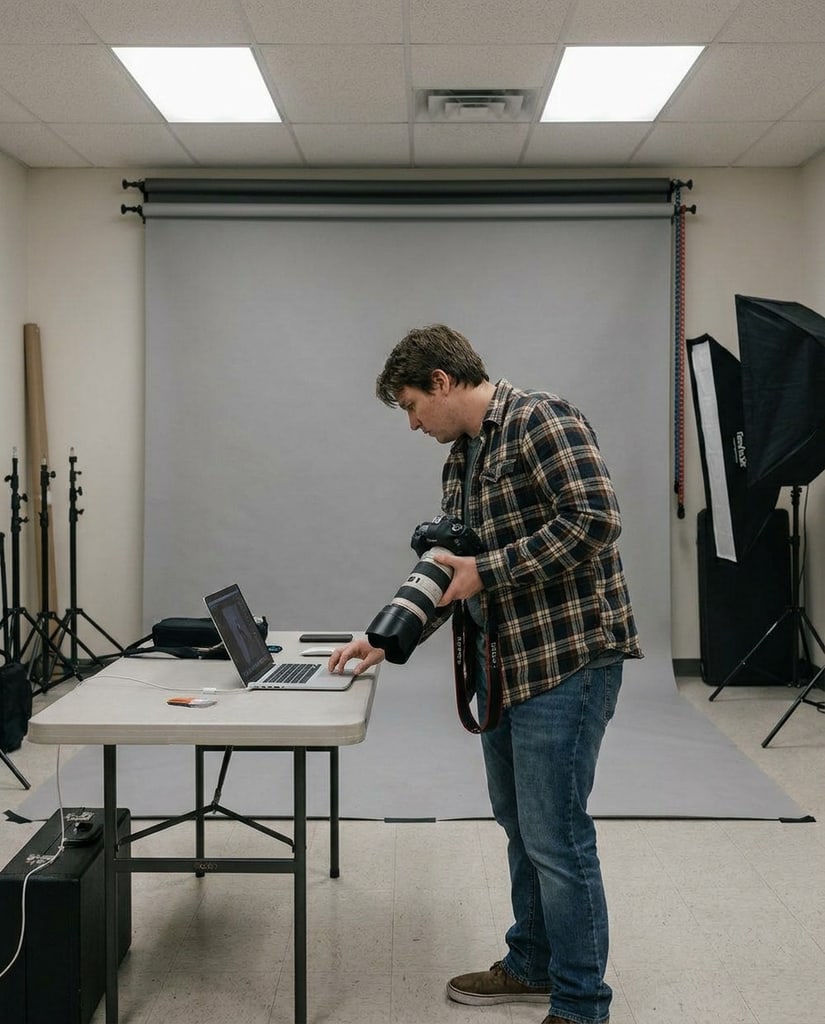
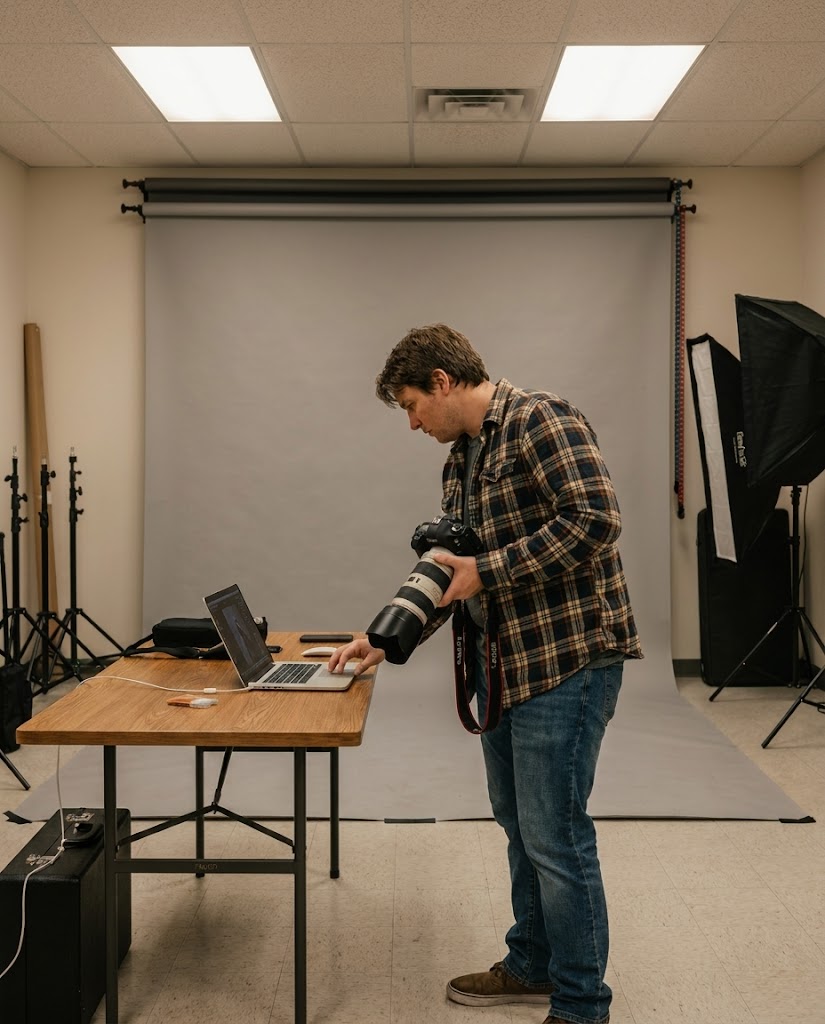
Develop campaign directions and landing visuals quickly enough to support testing, iteration, and launch planning.
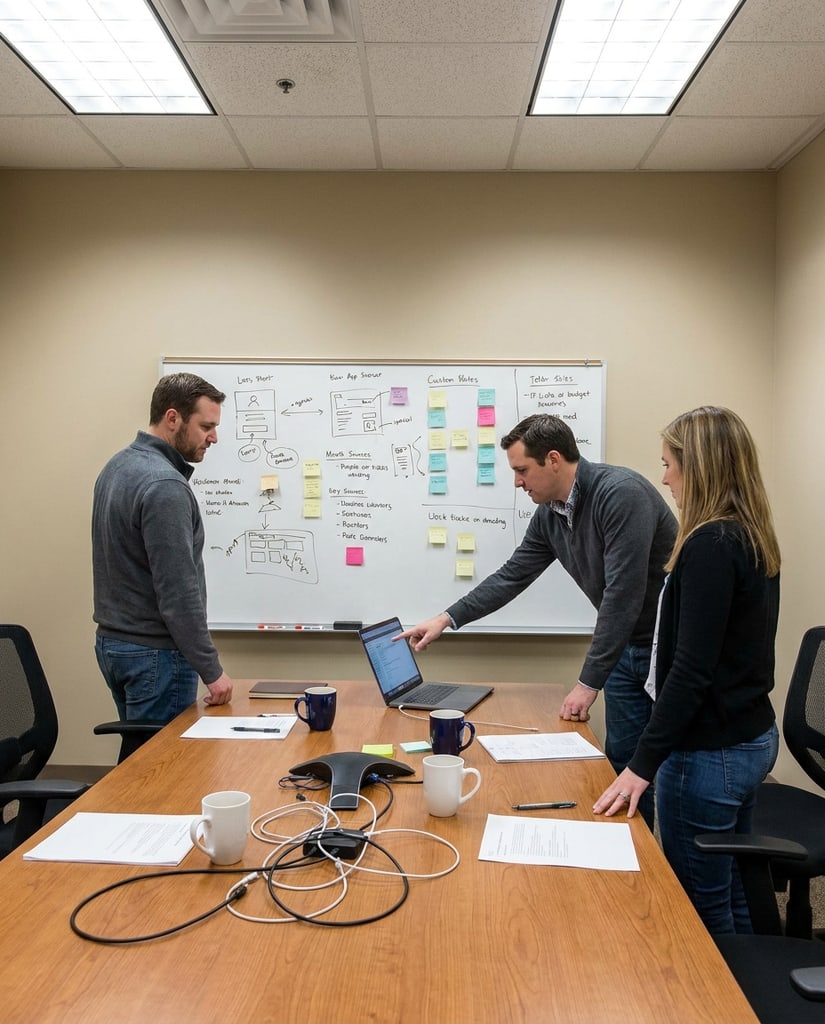
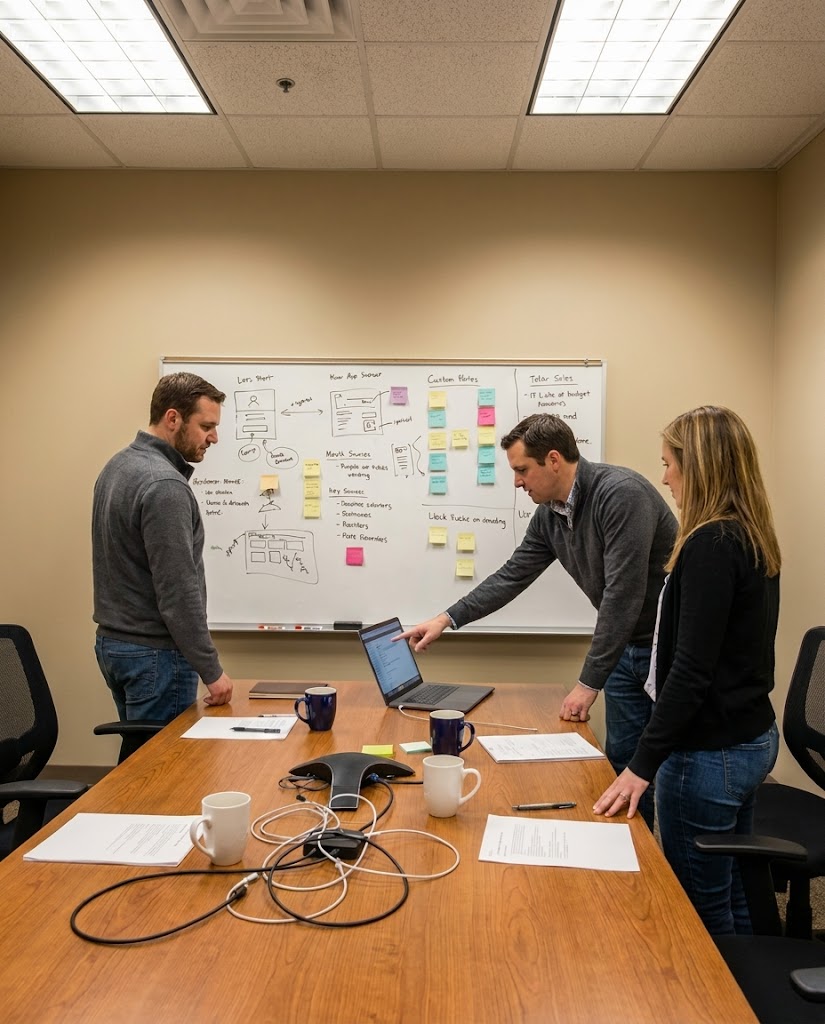
Upgrade standard product shots into cleaner merchandising assets with more context and stronger presentation value.
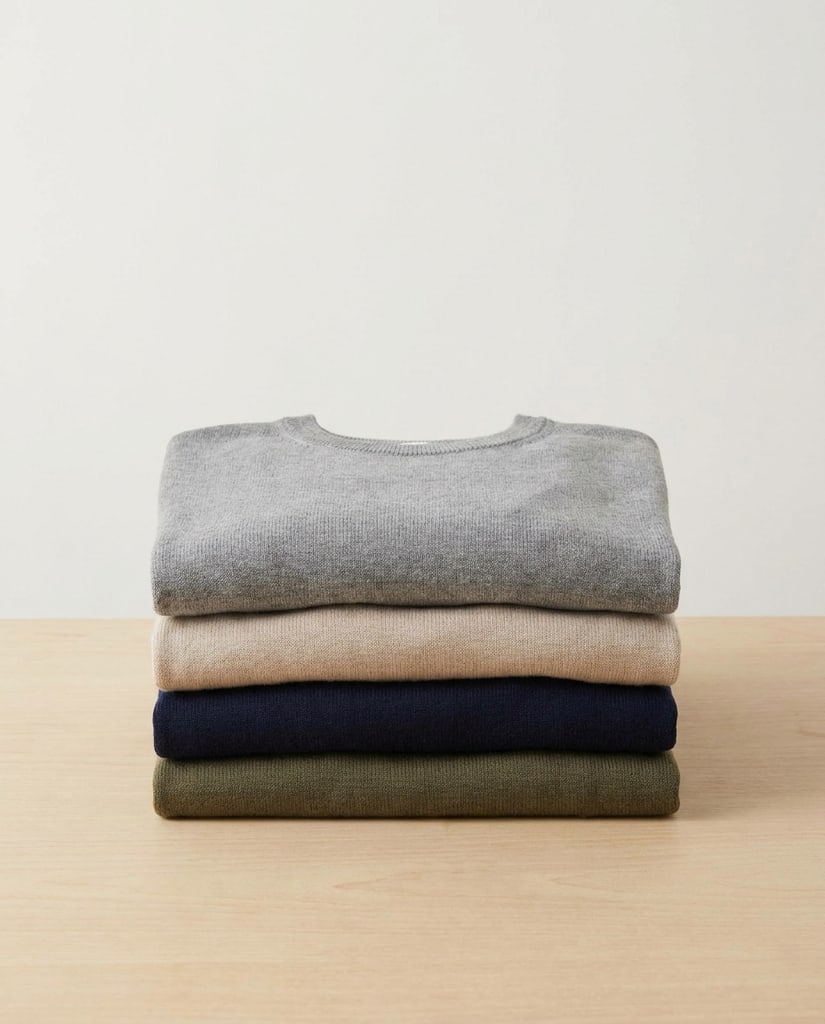
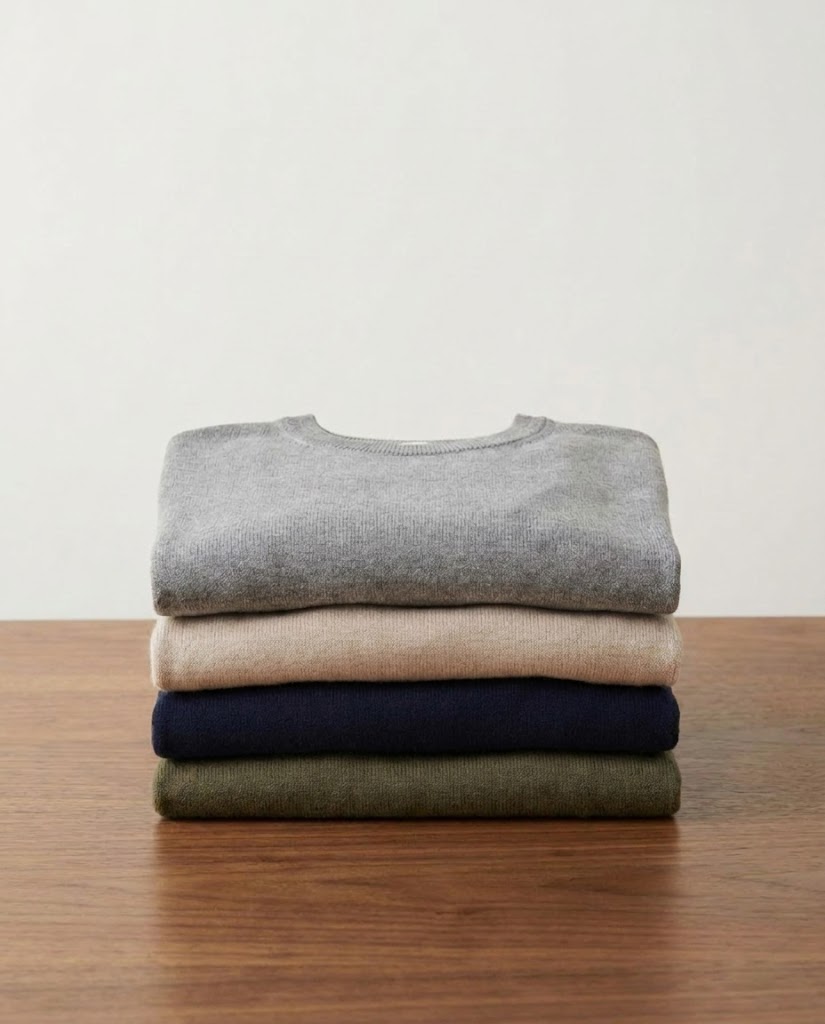
Maintain publishing speed while still producing visuals with enough range and polish to avoid repetition fatigue.
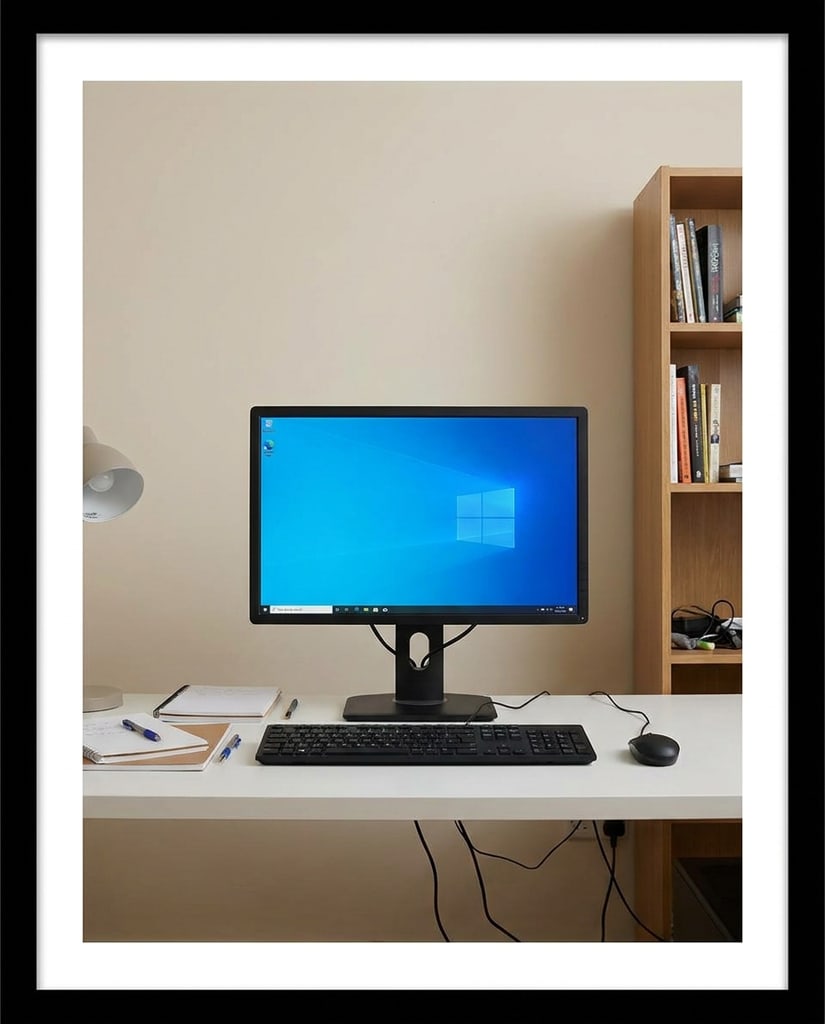
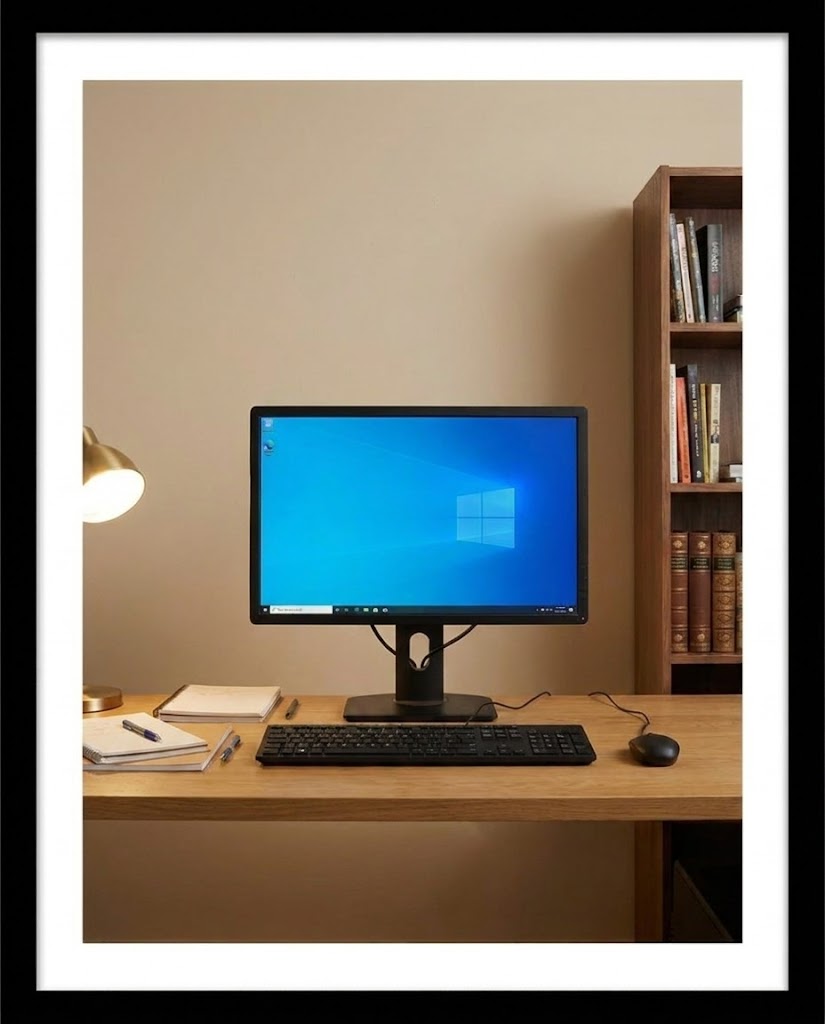
Translate the product promise into concrete operational outcomes instead of empty praise.
A retail team updated existing product imagery into a more premium seasonal look through controlled image revisions.
A growth team moved from rough idea to usable ad directions in one afternoon instead of waiting through a longer creative loop.
A solo creator improved lighting, mood, and presentation quality without reconstructing every image from scratch.
Teams used before-and-after comparisons to agree on look and feel before committing budget to larger production work.
Answer the practical questions people ask when deciding whether this interface fits their image generation needs.
This page presents Pikvee as a tool for generation, comparison, and guided image refinement. In the current implementation, it is a static product surface rather than a live generation tool.
Text to Image is the better starting point when the user wants fresh visual directions. Image to Image is better when the job depends on preserving the source composition while improving or changing selected elements.
Because image jobs vary. Some require faster ideation, some need stronger prompt interpretation, and some depend on more controlled edits. The page is built around choosing the right engine for the task.
It helps users judge the quality of the transformation, not just the final picture in isolation. That is especially important for editing and refinement.
No. The page is framed for marketers, ecommerce teams, brand operators, photographers, and other users who need stronger image output with less production drag.
Yes. The implementation is expected to support responsive behavior across desktop and mobile layouts.
Yes. The page is intended to have a dedicated title and description sourced from the image namespace.
Yes. The implementation is planned around namespace fallback so localized image routes can resolve without breaking.
Start Generating Images
Use Pikvee to compare visual directions, refine source images, and move toward stronger final assets without a slow multi-tool process.
Privacy Choices
We use cookies and similar technologies to keep Pikvee working, measure product usage, and control advertising-related preferences. Necessary cookies stay on. You can reject non-essential use or review detailed settings.